eSIM and Connectivity in Chongqing: What Works Before You Land
How to choose an eSIM or local SIM for Chongqing, install it before departure and keep maps and messaging working.
- Best setup
- Travel eSIM
- Install
- Before departure
- Backup
- Physical SIM
- Maps
- Offline + local app
On this page
The short answer
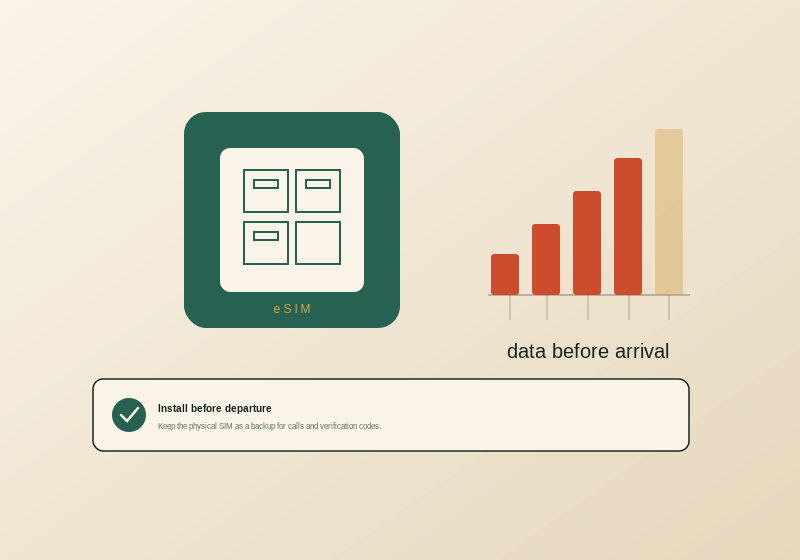
Buy a data-only travel eSIM before departure, install it at home and activate it on arrival. Keep your home SIM active for verification codes and calls. Download offline maps and a local map app as backup.
Connectivity is manageable, but the setup matters more than the brand.
eSIM vs local SIM
Travel eSIM
A travel eSIM is convenient. You install it before flying, activate it when you land and avoid a shop queue. Many plans are data-only, which is enough for maps, messaging and payments.
Check the China coverage, the network partner and whether the plan supports hotspot. Read the activation rules carefully.
Local SIM
A local SIM can be cheaper for long stays and may include a Chinese phone number. It requires passport registration at a carrier shop. The process takes time and the staff may not speak English.
A Chinese number is useful for some local services, but it is not essential for a short tourist trip.
Install before you fly
- Buy the eSIM and save the QR code or activation details.
- Install the profile while you have stable Wi-Fi.
- Label it clearly in your phone settings.
- Turn off data roaming on your home SIM.
- Activate the eSIM on arrival.
- Test a map, a message and a payment app.
Keep the eSIM QR code accessible in case you need to reinstall it.
What may not work
Some foreign apps and services can be slow or unavailable on mainland networks. Plan around it:
- Download offline maps before departure.
- Install a local map app such as Amap.
- Save hotel addresses in Chinese.
- Use messaging apps that work for your contacts.
- Keep a paper copy of key bookings.
Do not rely on a single app for navigation.
Data use
Maps, translation and payment apps use modest data. Video and cloud backups use much more. A 5–10 GB plan is enough for a one-week trip with normal use. Heavy video calls need more.
Turn off automatic photo backup and app updates on mobile data.
At the airport
Test the connection before leaving the terminal. Open a map, load a translation and send a message. If the eSIM does not activate, use the airport Wi-Fi to troubleshoot.
Keep your home SIM active for bank verification codes. Turn off data roaming on it to avoid charges.
Backup plan
- A second eSIM or a physical SIM.
- Airport Wi-Fi.
- Hotel Wi-Fi.
- Offline maps and saved screenshots.
- A printed hotel address.
The setup that works
Use a travel eSIM for data, keep your home number for verification, download offline maps and save the hotel address in Chinese. That combination covers most arrival-day problems.
Five phrases for this stop
Photo spots that work
FAQ
Should I buy an eSIM before arriving?
Yes. Install and test it at home so you can troubleshoot with a stable connection. Activate it when you land.
Does a travel eSIM work everywhere in China?
Coverage depends on the provider and the local network. Check the plan's China coverage and data speed before buying.
Can I use Google Maps?
Some Google services may be slow or unavailable on local networks. Download offline maps and install a local map app as a backup.